PDF ShapingUp
of individuals, associations, small & large companies and schools:
PDF ShapingUp, a Full-blown or Free PDF Editor that Create, Secure, Modify and Convert PDF
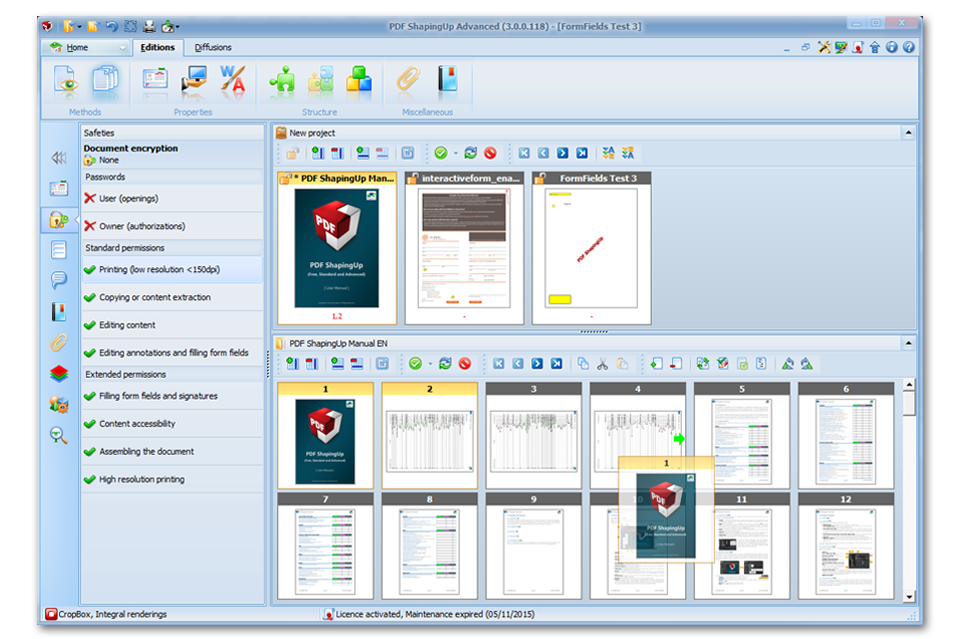
PDF ShapingUp is a comprehensive PDF editor allowing you to easily manipulate and change PDF documents thanks to its many integrated tools.
Uncompromising, PDF ShapingUp is the all-in-one editor for users who want the best of PDF without complexity and at the best price. Its neat, ergonomic and intuitive interface has WYSIWYG features (What You See Is What You Get) which effectively guide you in your tasks using previews or live displays. PDF ShapingUp boosts your creativity and productivity and will be the perfect companion for all your daily work…

Those Are Just A Few Main Features, There Are Plenty More…
![PDF editor [PDF ShapingUp Interface, Files]](http://www.aplixio.com/wp-content/uploads/2015/11/PDF-ShapingUp-Interface-Files--300x214.png)
[PDF] Interface
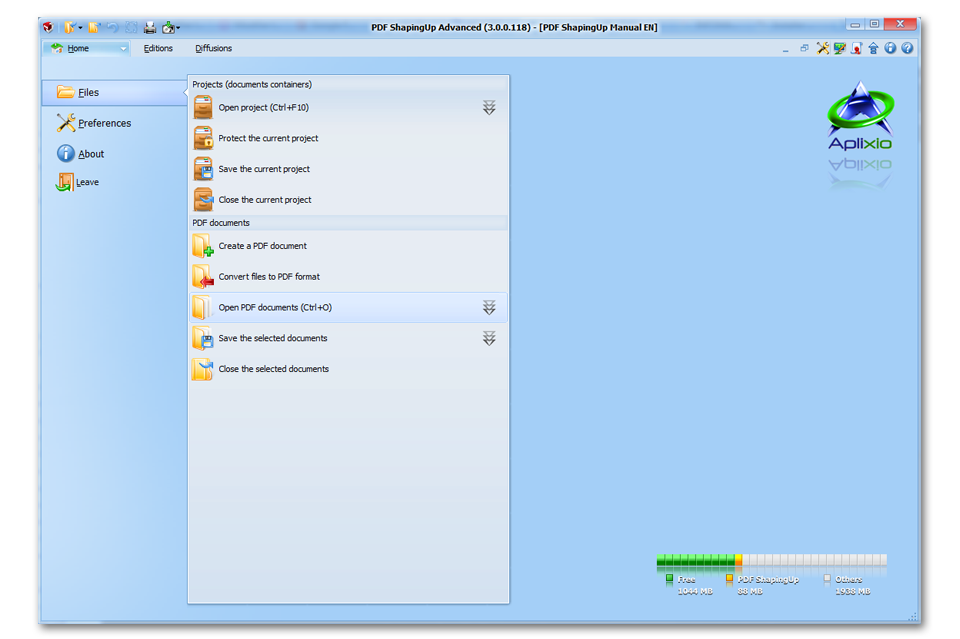
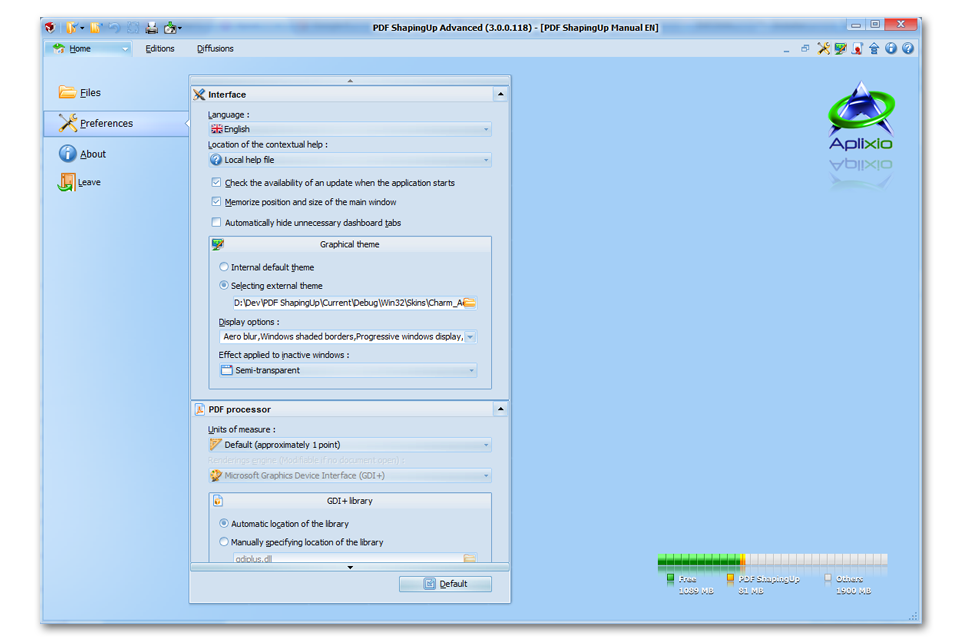
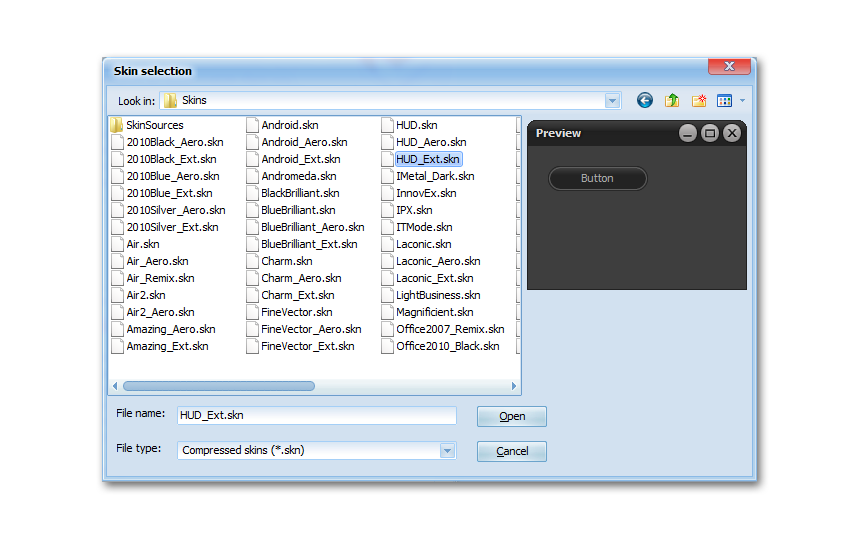
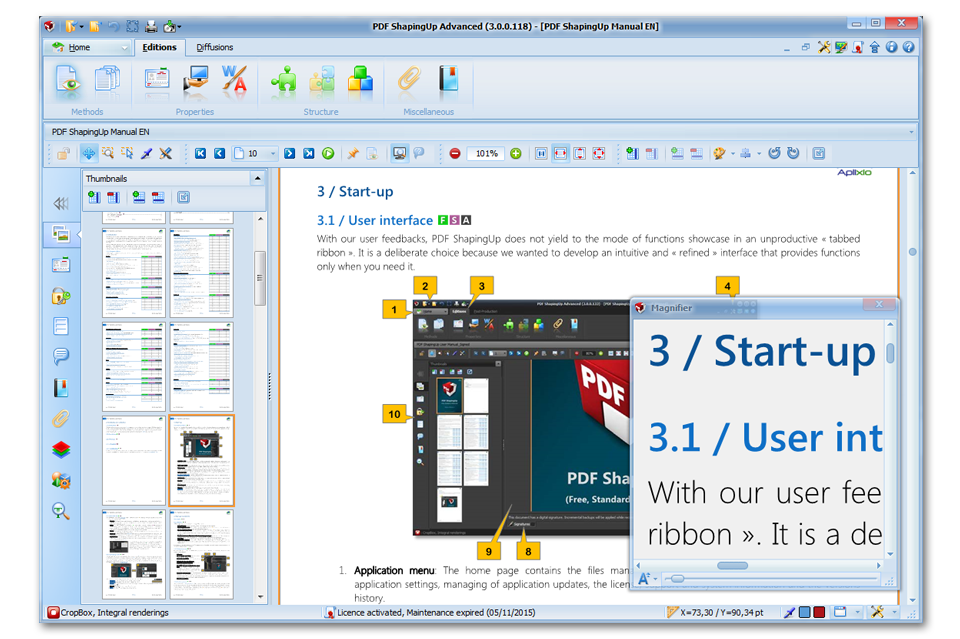
Home page contains the files management functions (documents & projects), application settings & updates and license management. Graphical themes allow you to customize the appearance and colors of PDF ShapingUp to your liking.
![PDF editor [PDF ShapingUp Visualize, Magnifier]](http://www.aplixio.com/wp-content/uploads/2015/11/PDF-ShapingUp-Visualize-Magnifier-300x214.png)
[PDF] Visualize
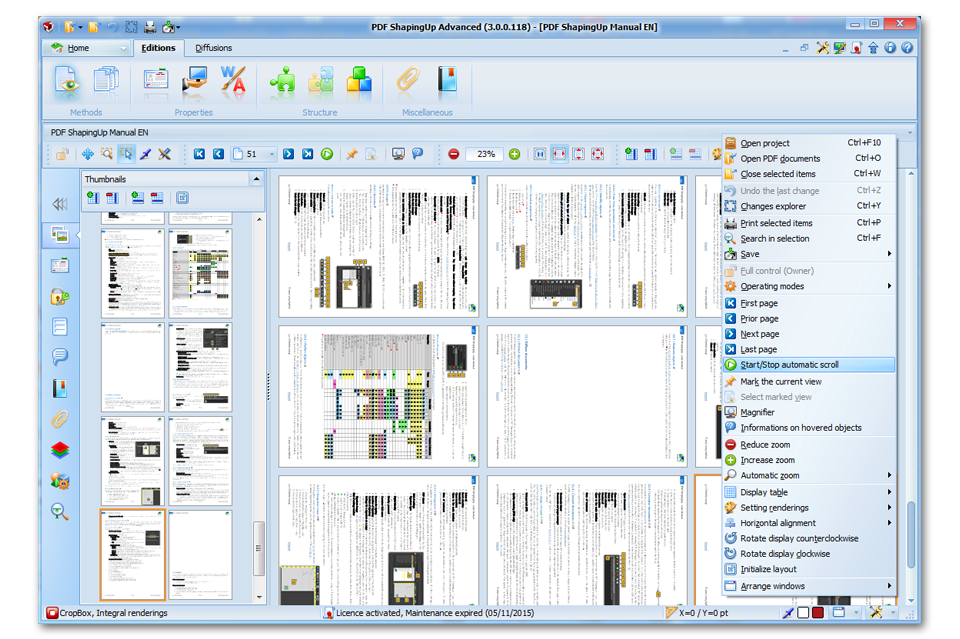
Find the conventional visualization & interaction tools and some amazing features such as Auto-scroll mode, Display pages in formatted table, View hovered objects information…
![PDF editor [PDF ShapingUp Pages manager, Rotate]](http://www.aplixio.com/wp-content/uploads/2015/11/PDF-ShapingUp-Pages-manager-Rotate--300x214.png)
[PDF] Organize
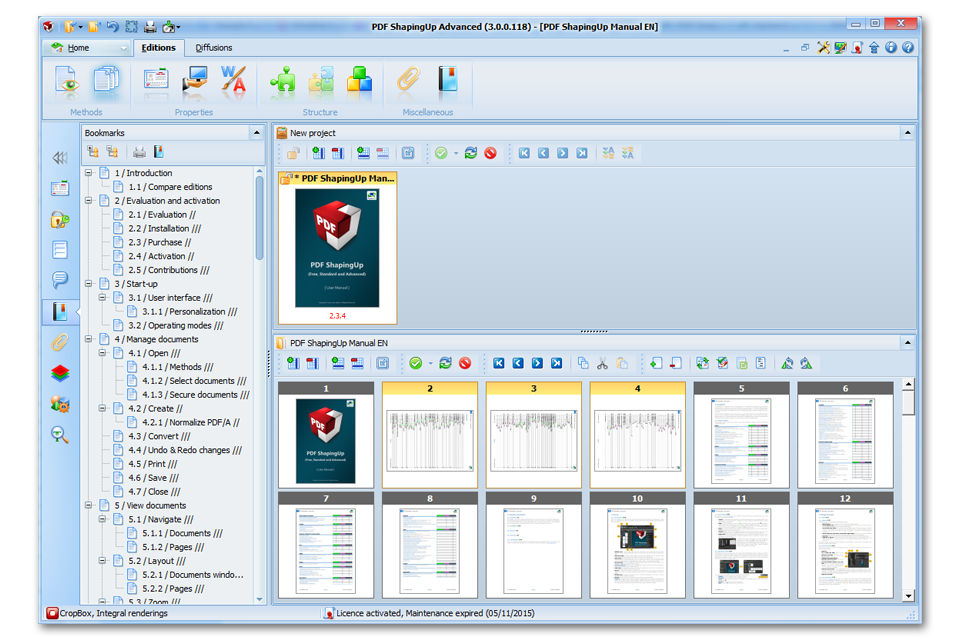
Our documents & pages manager allows you to Change pages order (drag&drop), Copy & Move pages between documents (drag&drop), Create pages and Remove, Clone, Normalize and Rotate selected pages.
![PDF editor [PDF ShapingUp Create]](http://www.aplixio.com/wp-content/uploads/2015/11/PDF-ShapingUp-Create--300x214.png)
[PDF] Create
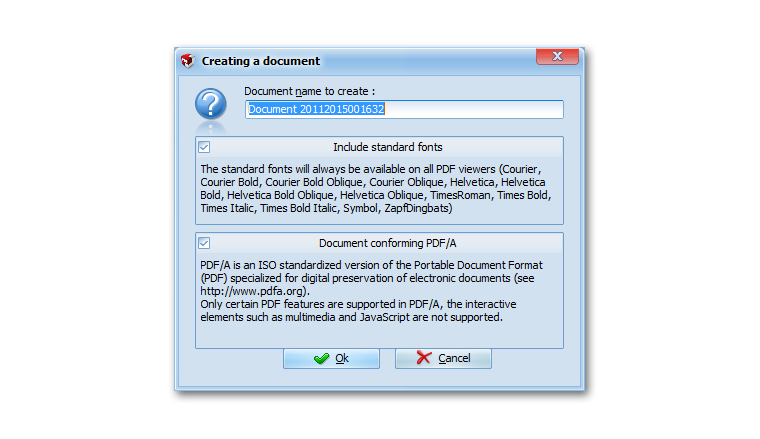
Create standard or PDF/A blank documents, Create documents from single & multipage images or vectors graphics files, Merge documents in one new document, Split document in several new documents.
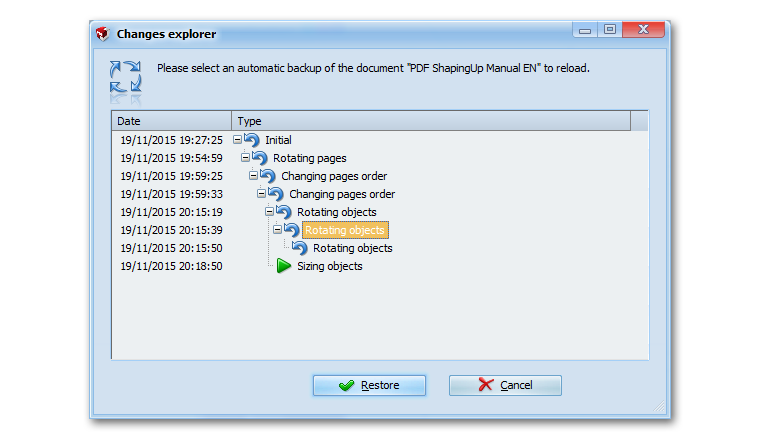
![PDF editor [PDF ShapingUp Editor, Rotate]](http://www.aplixio.com/wp-content/uploads/2015/11/PDF-ShapingUp-Editor-Rotate--300x214.png)
[PDF] Edit
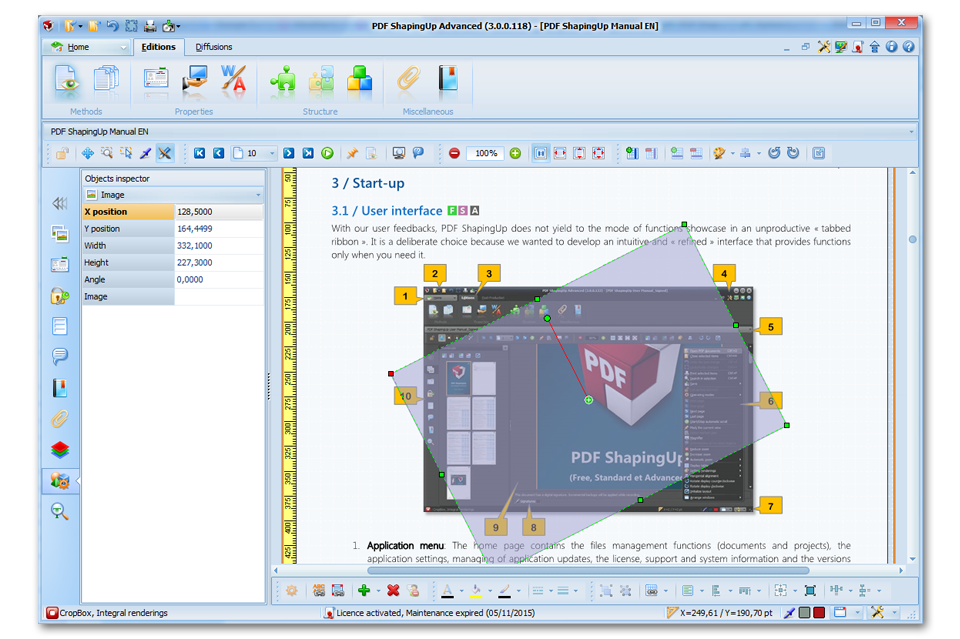
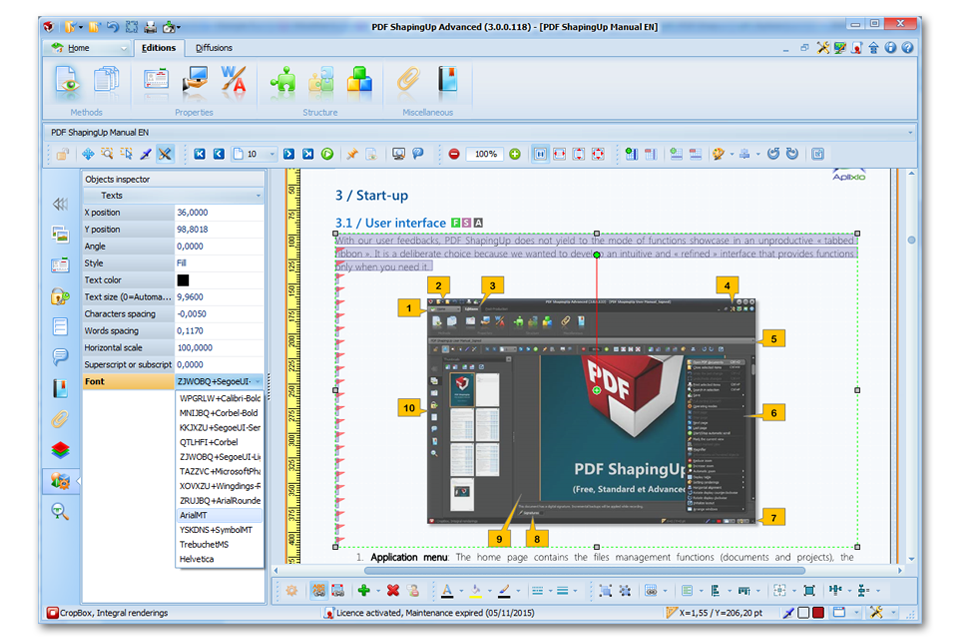
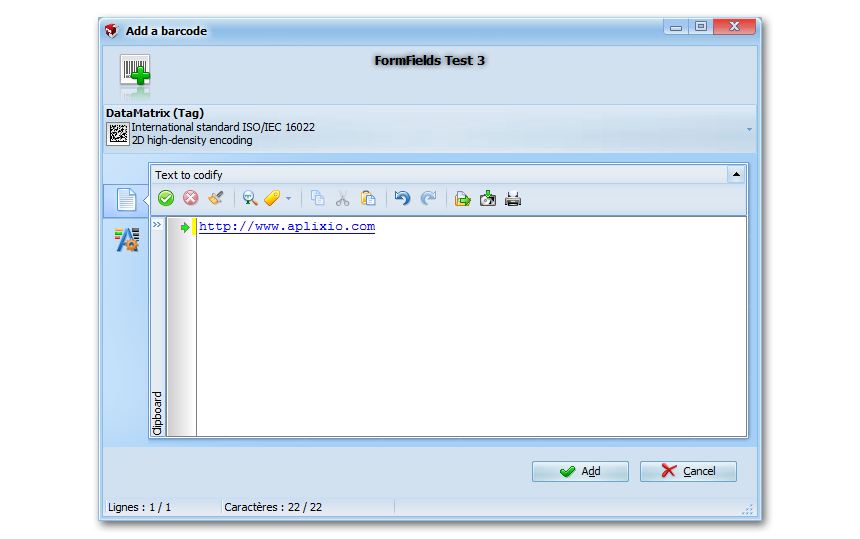
PDF ShapingUp incorporates an advanced objects editor with which you can easily create, duplicate, delete, move, resize and edit texts, images, vectors, bar-codes, form fields and annotations in existing documents.
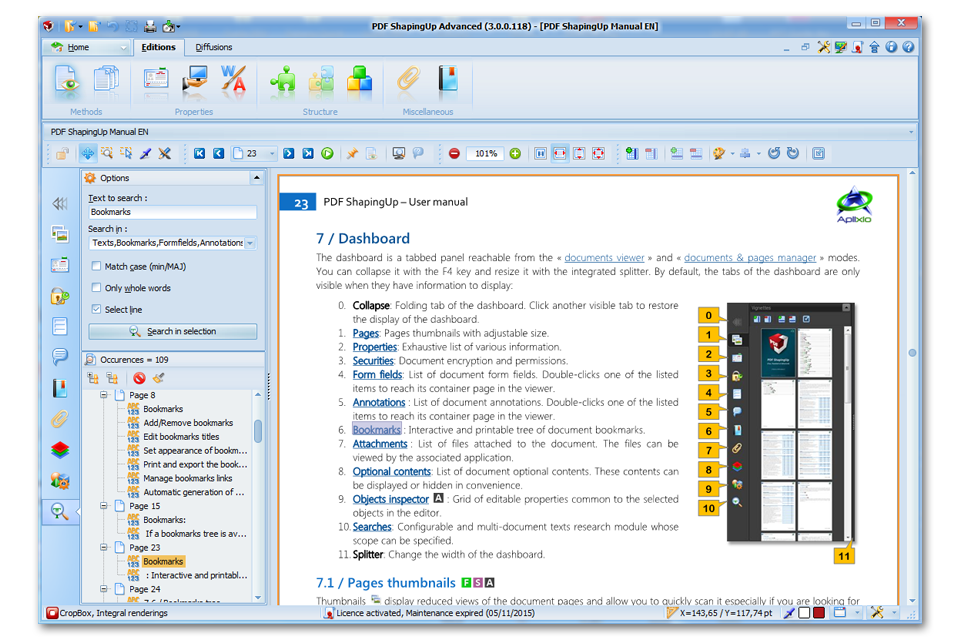
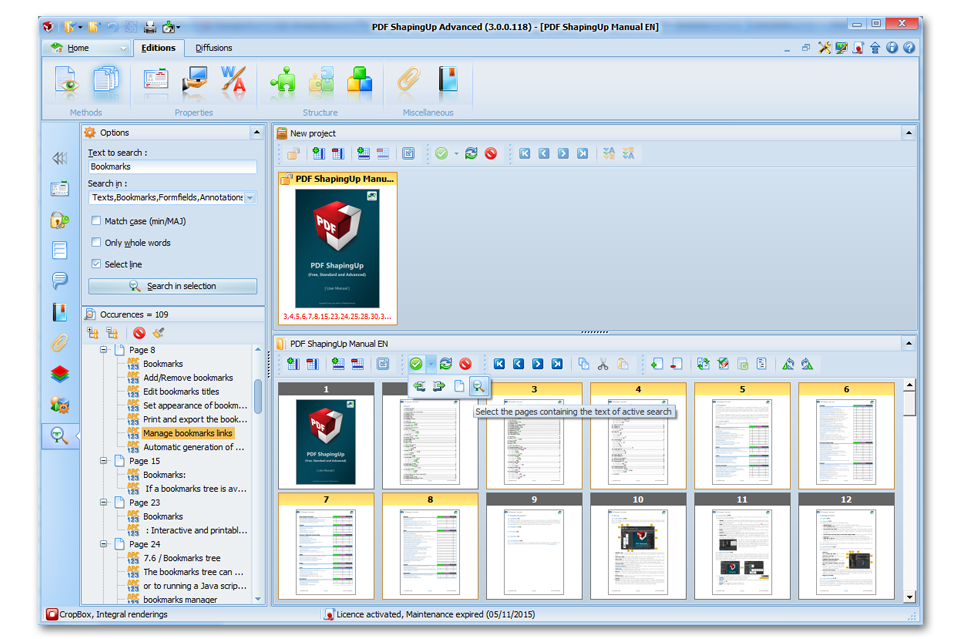
![PDF editor [PDF ShapingUp Search, Viewer]](http://www.aplixio.com/wp-content/uploads/2015/11/PDF-ShapingUp-Search-Viewer--300x214.png)
[PDF] Search
Advanced search function with variable scope allows to search for a string. Occurrences are listed in a tree allowing you to quickly preview the context (document, page, sentence and object type).
![PDF editor [PDF ShapingUp Convert, From Images]](http://www.aplixio.com/wp-content/uploads/2015/11/PDF-ShapingUp-Convert-From-Images--300x214.png)
[PDF] Convert
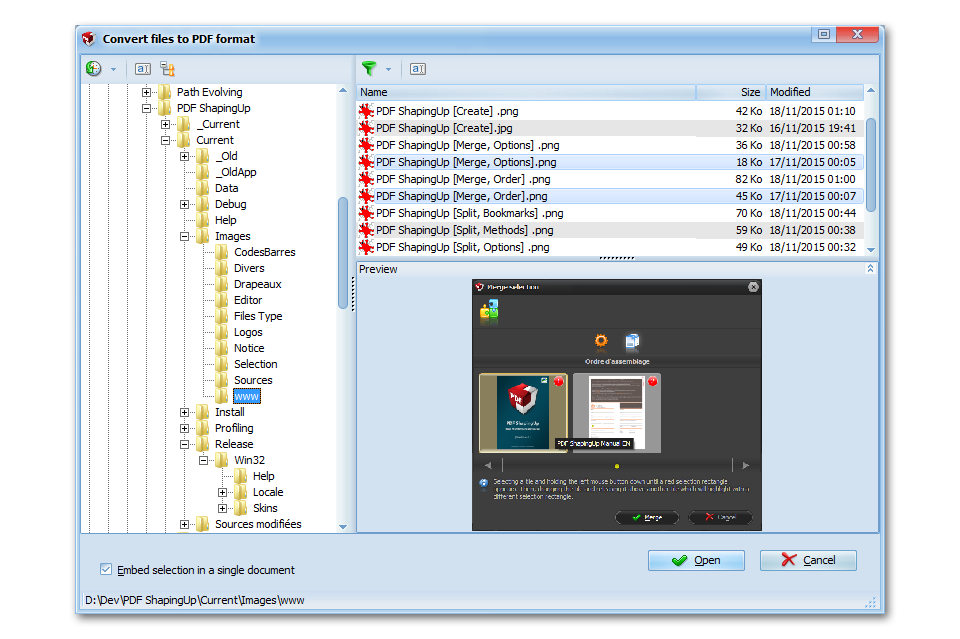
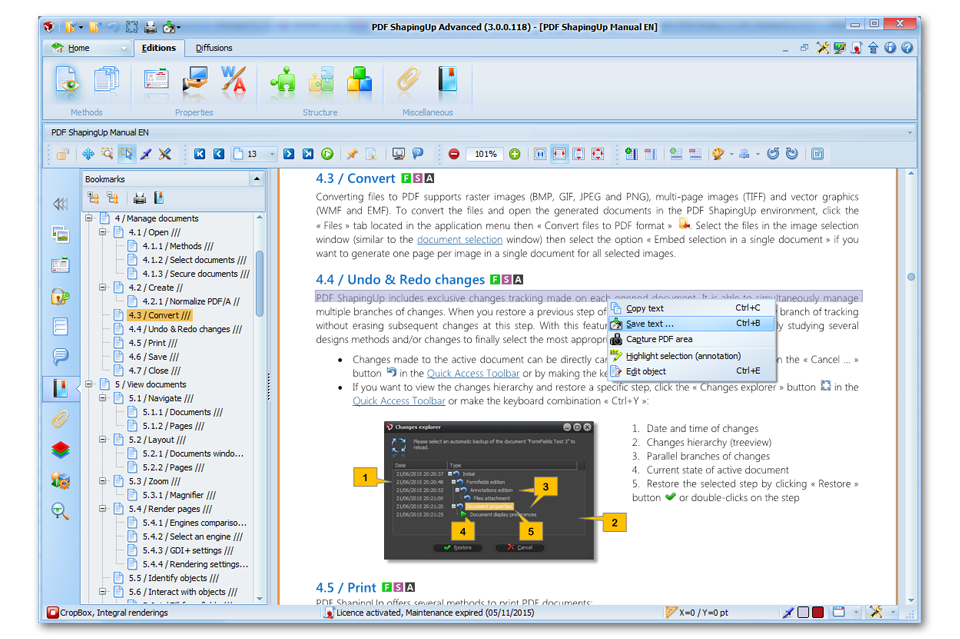
Convert PDF pages to / from single & multipage images or vectors graphics, Convert PDF pages to HTML5 files.
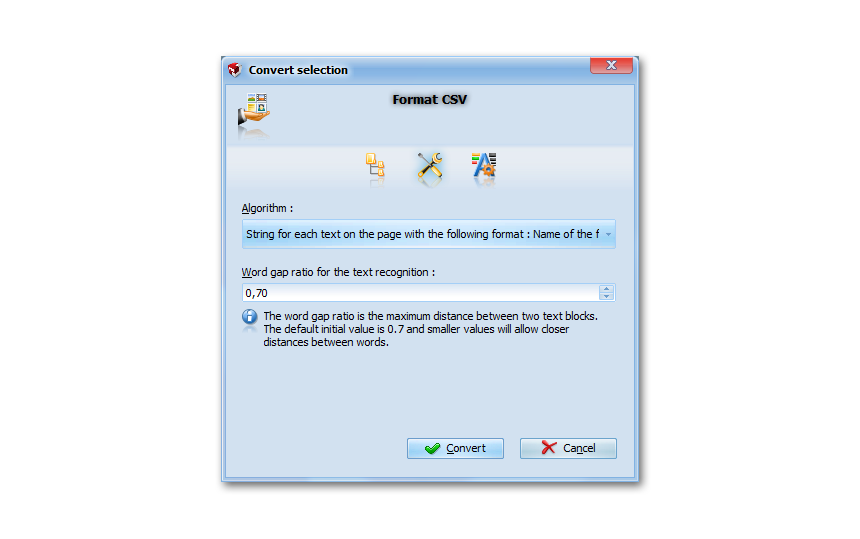
![PDF editor [PDF ShapingUp Extract, Texts]](http://www.aplixio.com/wp-content/uploads/2015/11/PDF-ShapingUp-Extract-Texts--300x214.png)
[PDF] Extract
Extract all or selected texts from PDF documents in text & CSV files, Extract PDF objects, embedded TrueType fonts and Attached files to native files.
![PDF editor [PDF ShapingUp Linearize]](http://www.aplixio.com/wp-content/uploads/2015/11/PDF-ShapingUp-Linearize--300x214.png)
[PDF] Linearize
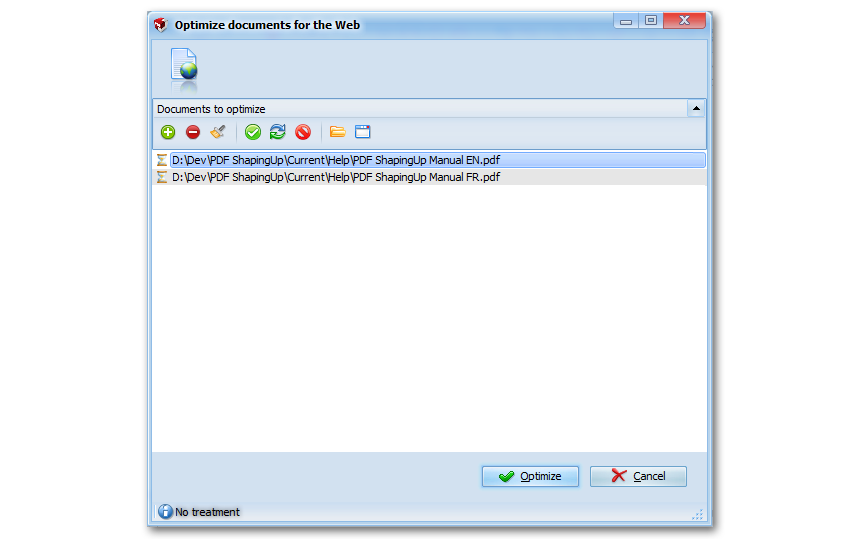
Linearization (Fast Web View) structure documents to allow web browsers to quickly access the required page by a reader. Linearized documents are still readable in « classical » PDF viewers.
![PDF editor [PDF ShapingUp Merge, Order]](http://www.aplixio.com/wp-content/uploads/2015/11/PDF-ShapingUp-Merge-Order--300x214.png)
[PDF] Merge
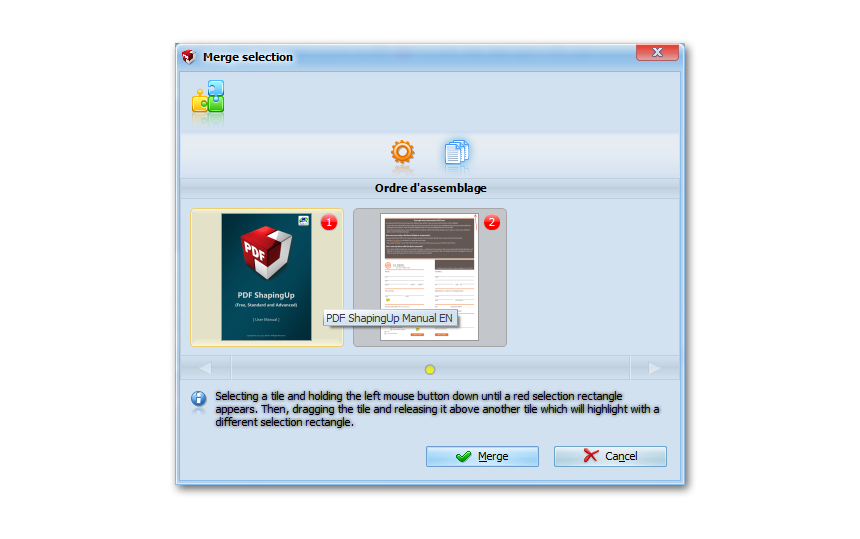
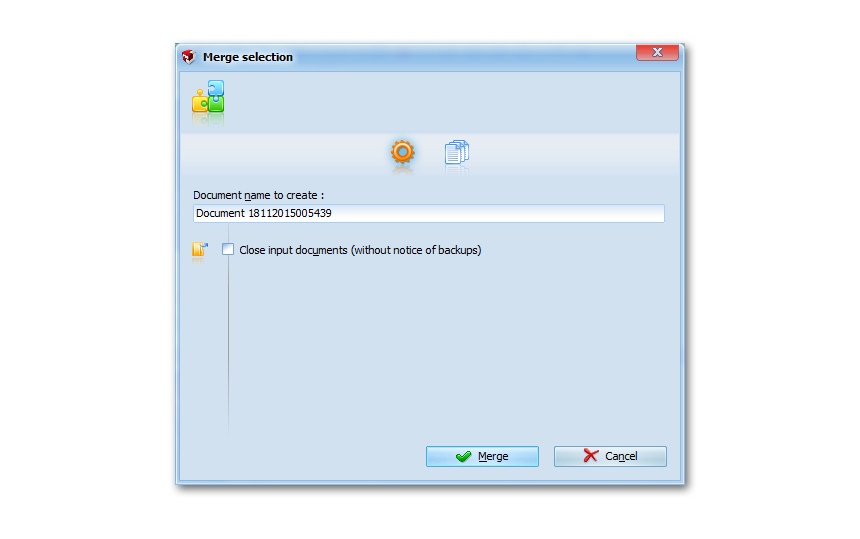
Merge two or more documents in a single final document. The merging order can be easily managed by Drag&Drop.
![PDF editor [PDF ShapingUp Split, Methods]](http://www.aplixio.com/wp-content/uploads/2015/11/PDF-ShapingUp-Split-Methods--300x214.png)
[PDF] Split
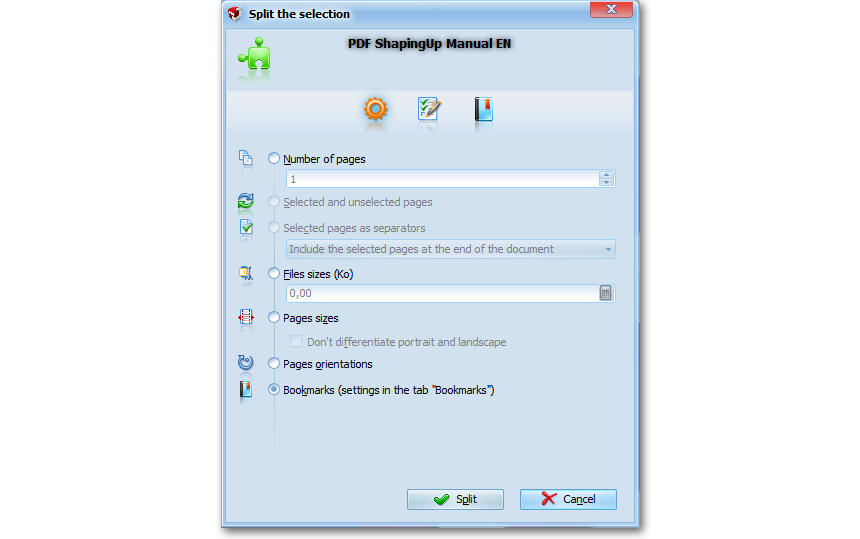
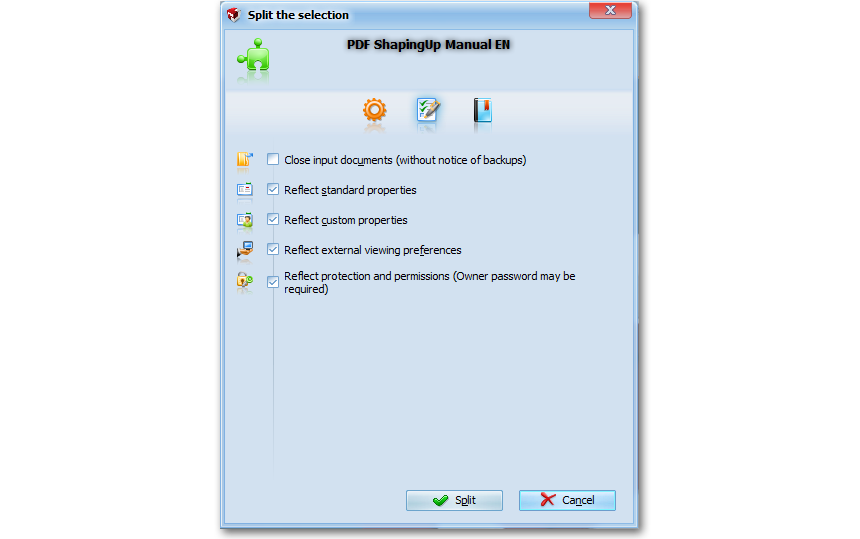
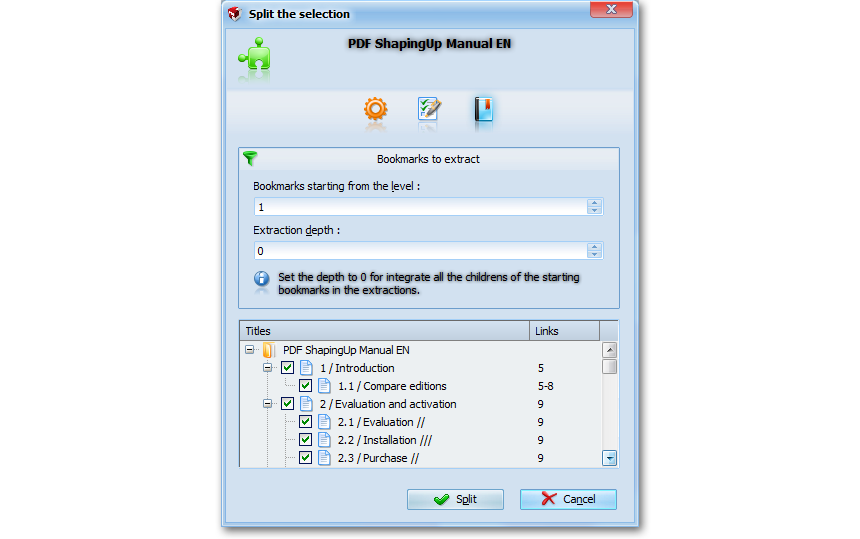
Split document in new documents by applying multiple methods (pages, sizes/pages orientations, bookmarks…), Reflect properties, preferences and / or protection of the source in the destination.
![PDF editor [PDF ShapingUp Attach]](http://www.aplixio.com/wp-content/uploads/2015/11/PDF-ShapingUp-Attach--300x214.png)
[PDF] Attach
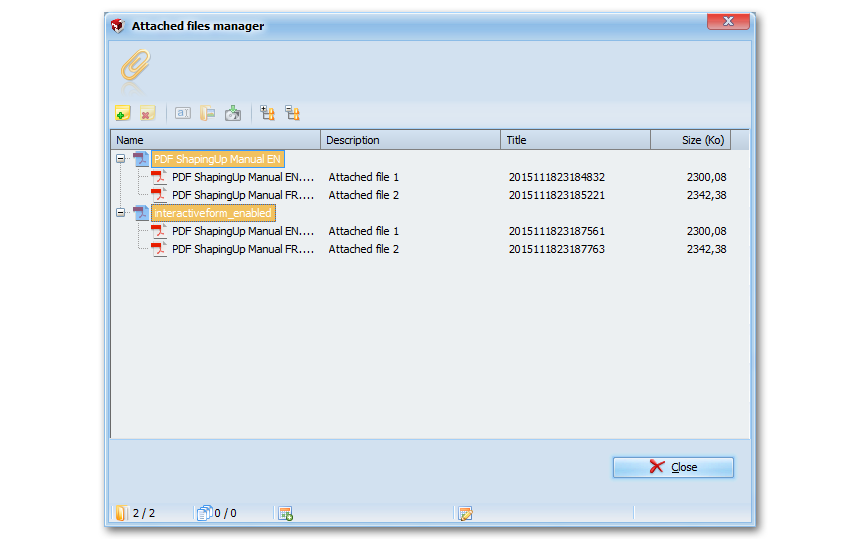
Embed / Remove any types of files in documents, Open attached files with your default associated application, Extract attached files on disk and Customize properties of attached files.
![PDF editor [PDF ShapingUp Encrypt]](http://www.aplixio.com/wp-content/uploads/2015/11/PDF-ShapingUp-Encrypt--300x214.png)
[PDF] Encrypt
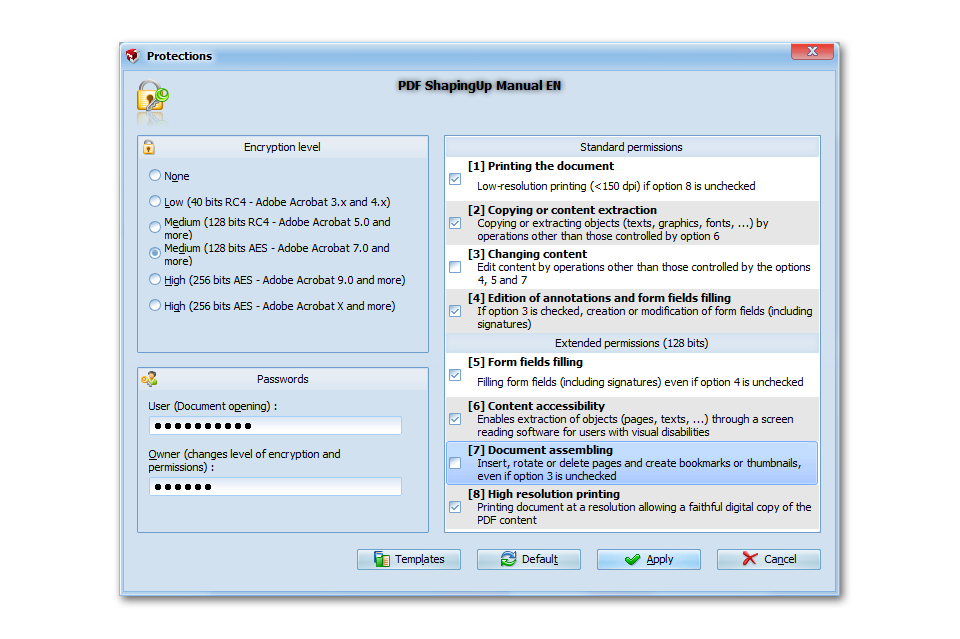
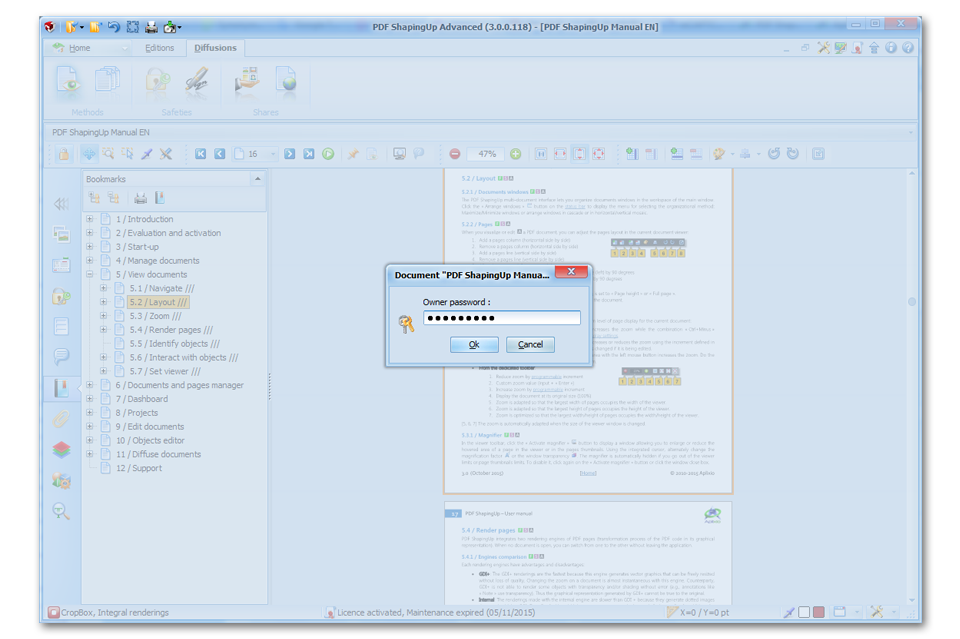
Encrypt documents up to 256-bit AES algorithm, Restrict their access by setting an opening password and / or lock functions such as printing and editing.
![PDF editor [PDF ShapingUp Sign, Files]](http://www.aplixio.com/wp-content/uploads/2015/11/PDF-ShapingUp-Sign-Files--300x214.png)
[PDF] Sign
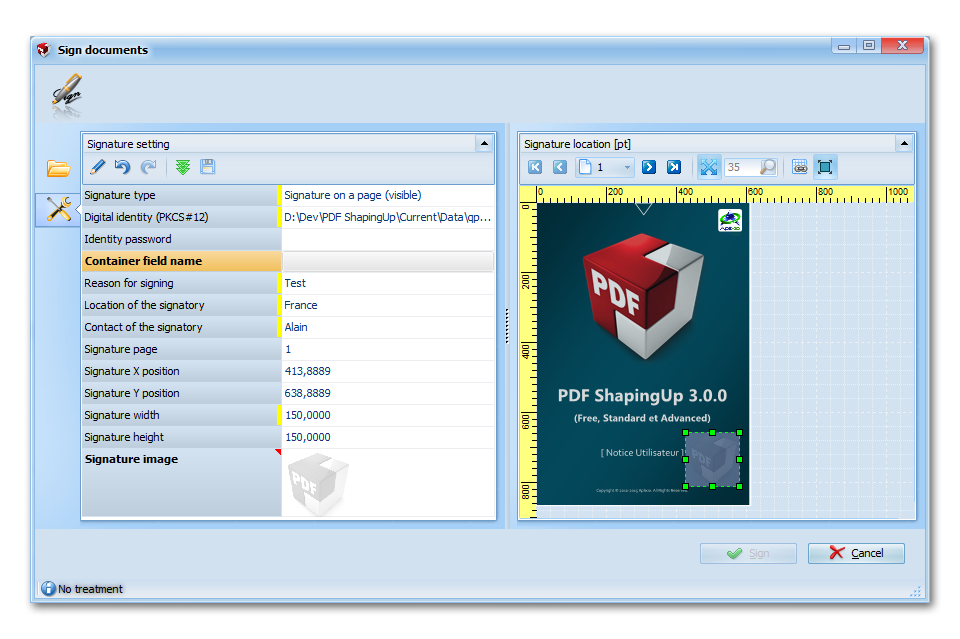
Digitally signs documents on disk. Signature stores encrypted information about the signer along with the date, time and state of the document at the time of signing.
![PDF editor [PDF ShapingUp Layout, Size]](http://www.aplixio.com/wp-content/uploads/2015/11/PDF-ShapingUp-Layout-Size--300x214.png)
[PDF] Layout
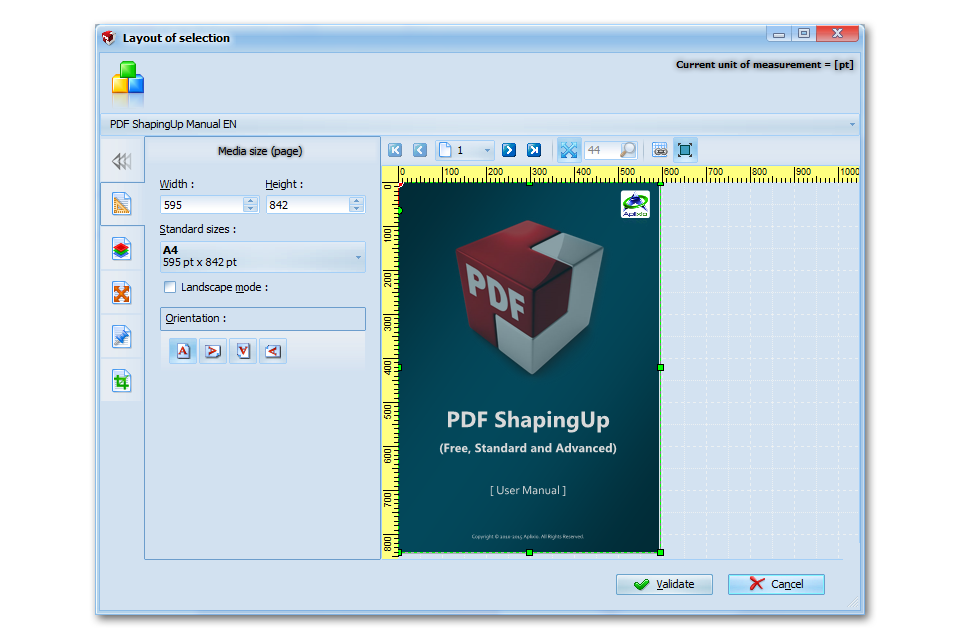
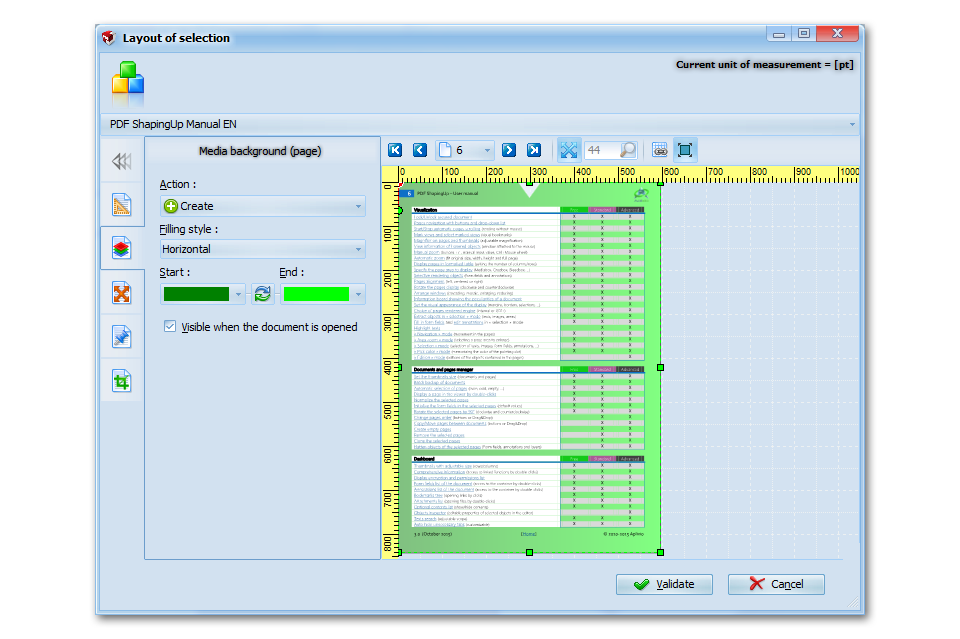
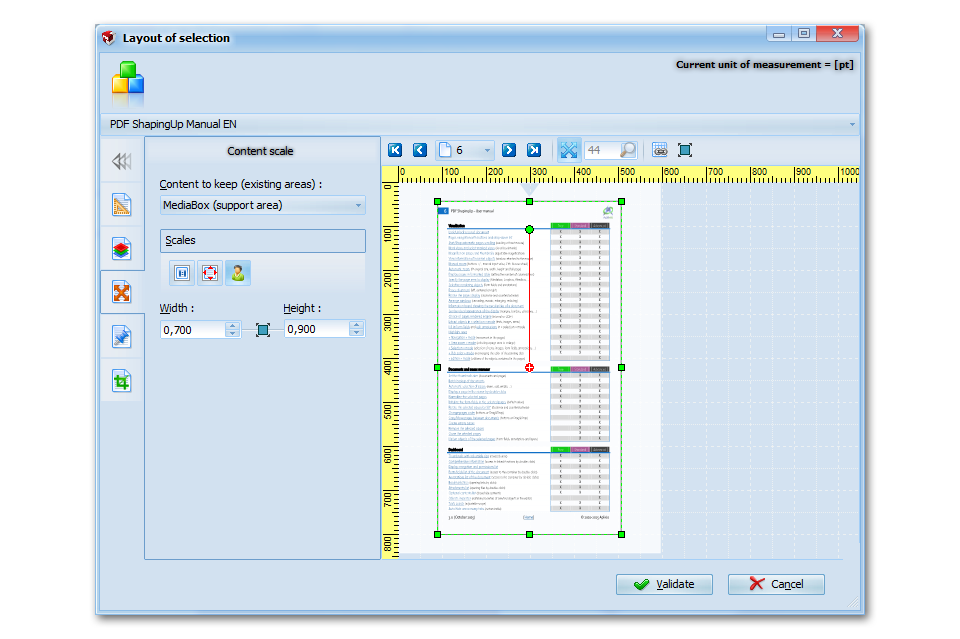
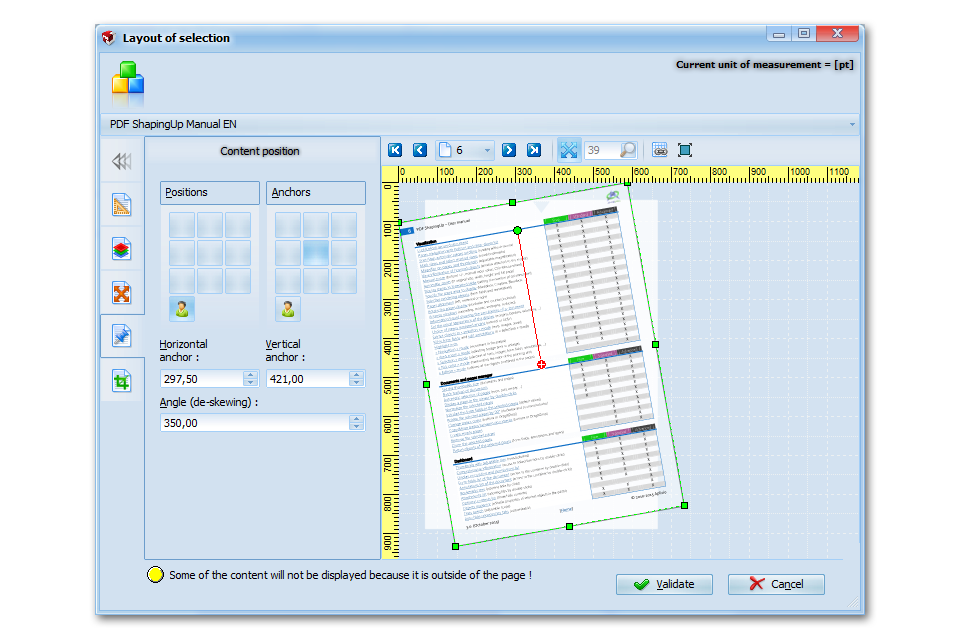
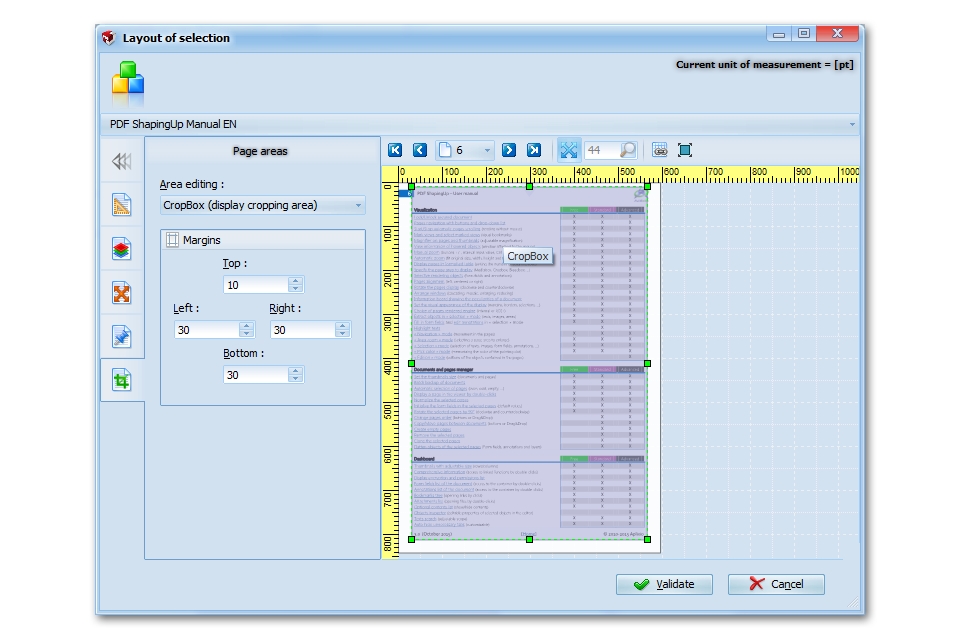
Layout module allows you Set the media size, Create & Remove optional background pages, Move content, Rotate content (deskewing), Set content scale and Set the pages areas (Cropbox, Bleedbox…).
![PDF editor [PDF ShapingUp Bookmarks, Edit]](http://www.aplixio.com/wp-content/uploads/2015/11/PDF-ShapingUp-Bookmarks-Edit--300x214.png)
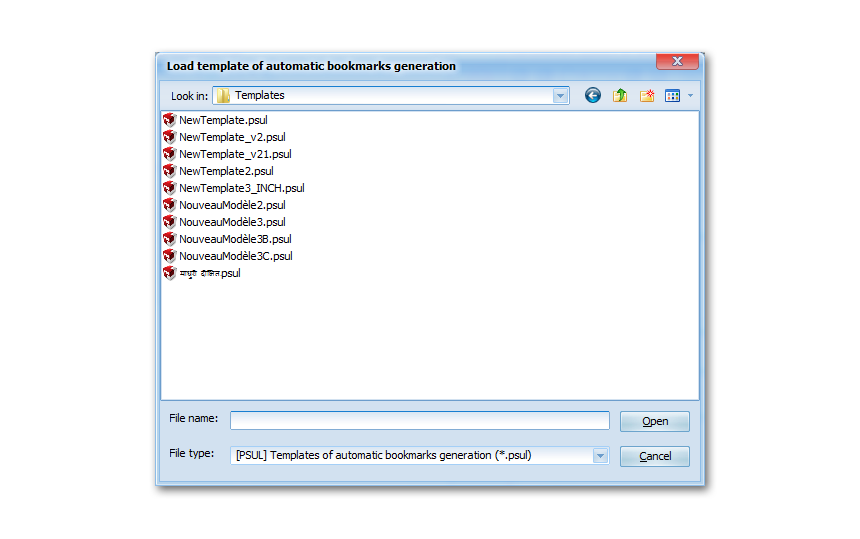
[PDF] Bookmarks
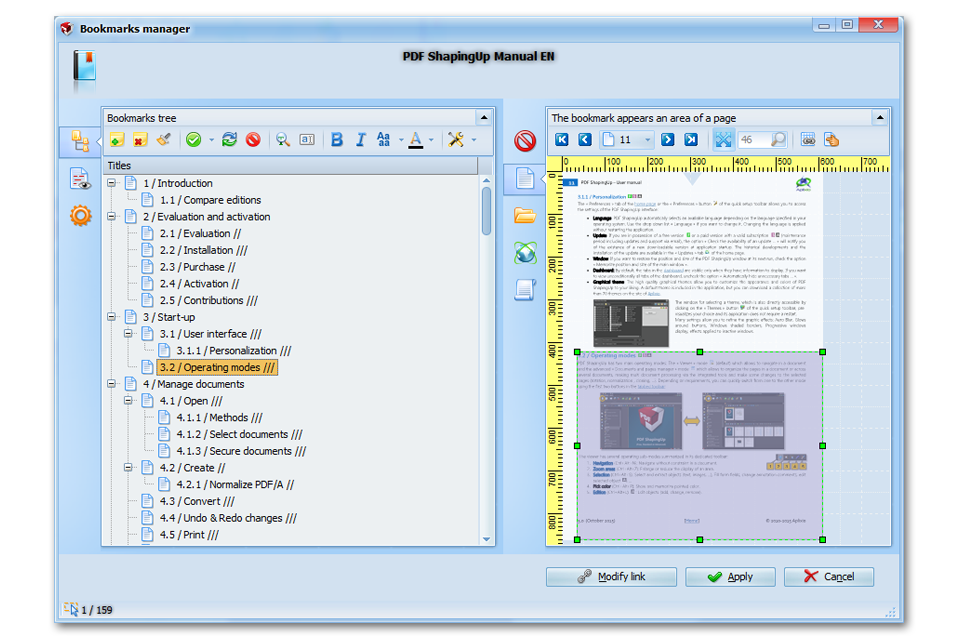
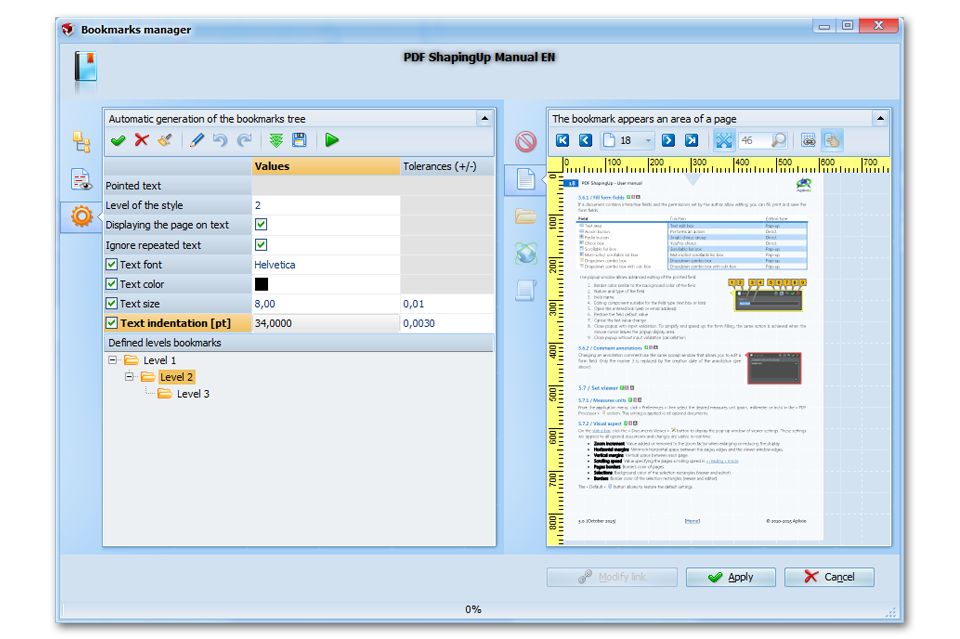
Bookmarks manager allows to Add & Remove bookmarks, Edit titles, Set appearance, Print & Export the bookmarks tree, Manage links, Automatic bookmarks tree generation (based on fonts names, sizes, colors…).
![PDF editor [PDF ShapingUp Fonts, List]](http://www.aplixio.com/wp-content/uploads/2015/11/PDF-ShapingUp-Fonts-List--300x214.png)
[PDF] Fonts
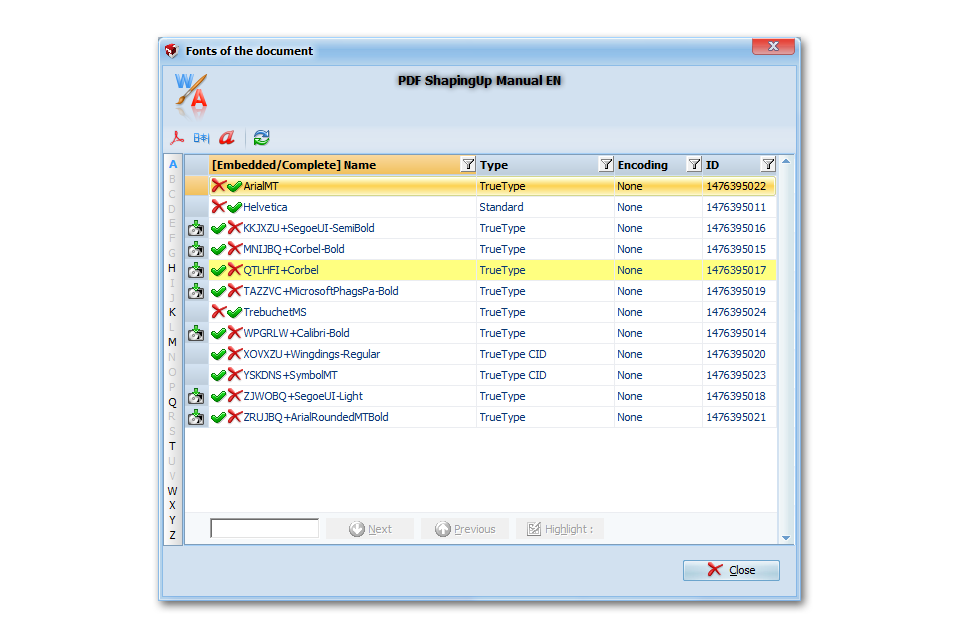
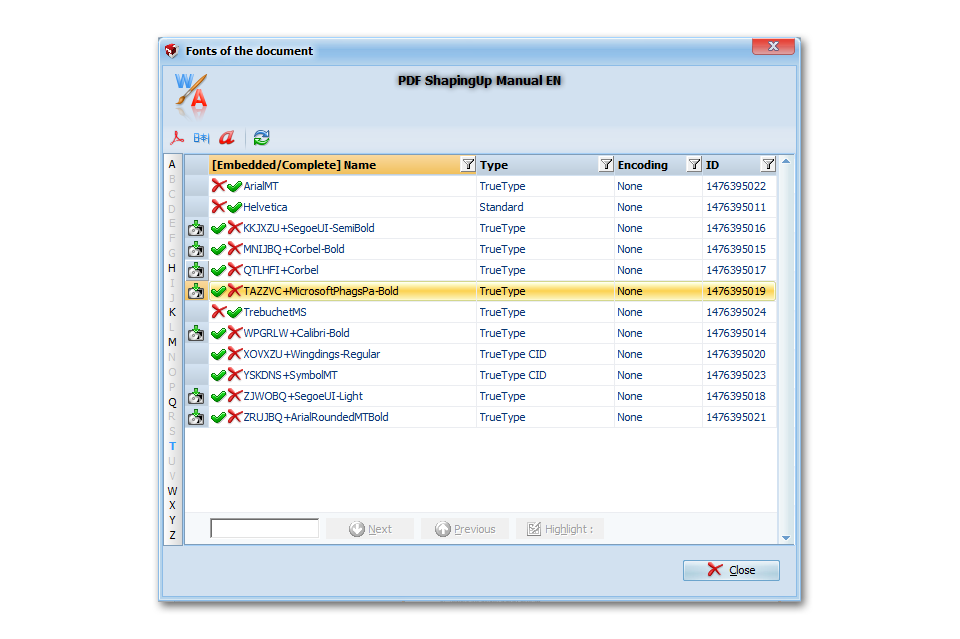
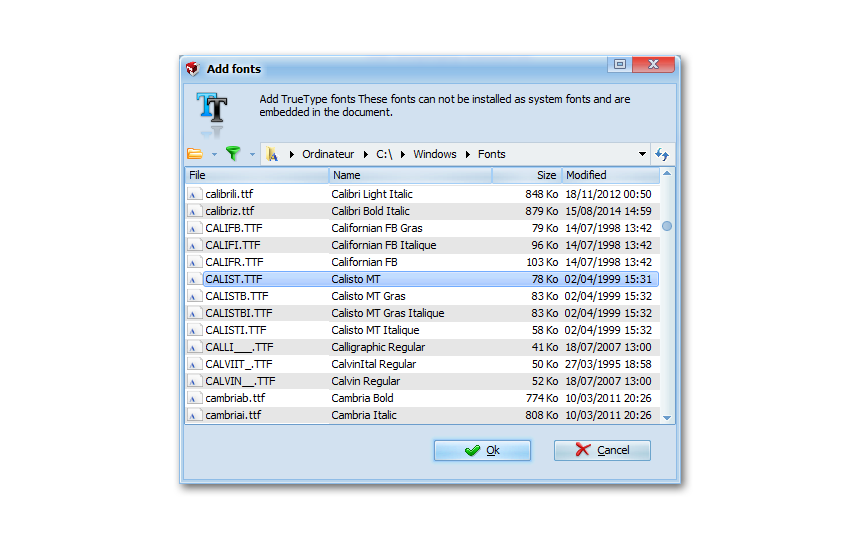
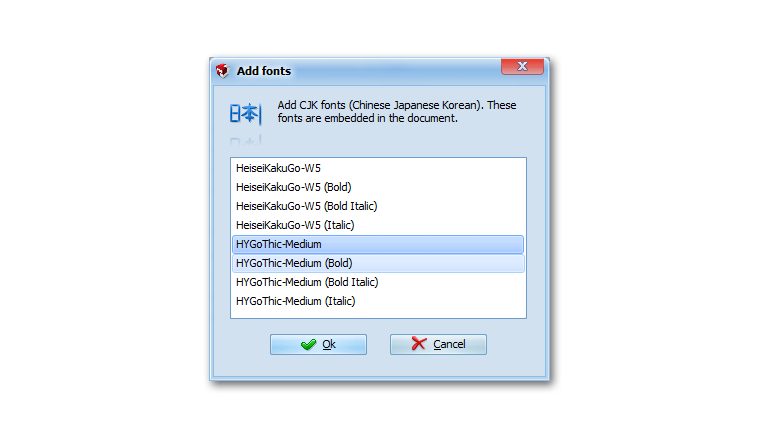
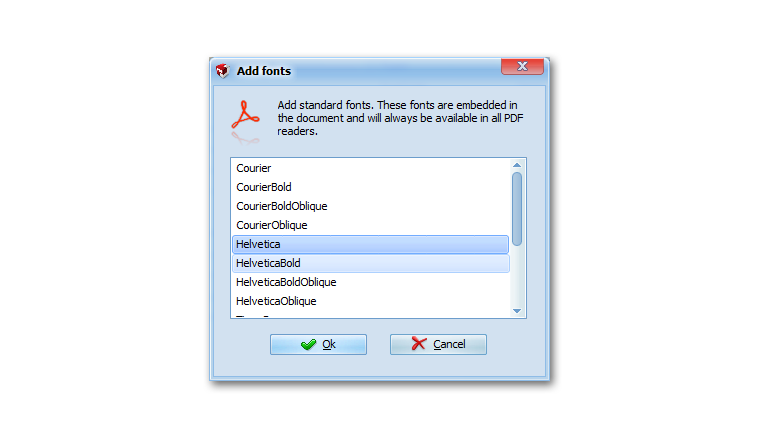
List & Display characteristics of document fonts, Extract TrueType fonts, Replace embedded by standard fonts, Embed fonts (Standard, CJK, OpenType, TrueType, Postscript).
![PDF editor [PDF ShapingUp Properties, Settings]](http://www.aplixio.com/wp-content/uploads/2015/11/PDF-ShapingUp-Properties-Settings--300x214.png)
[PDF] Properties
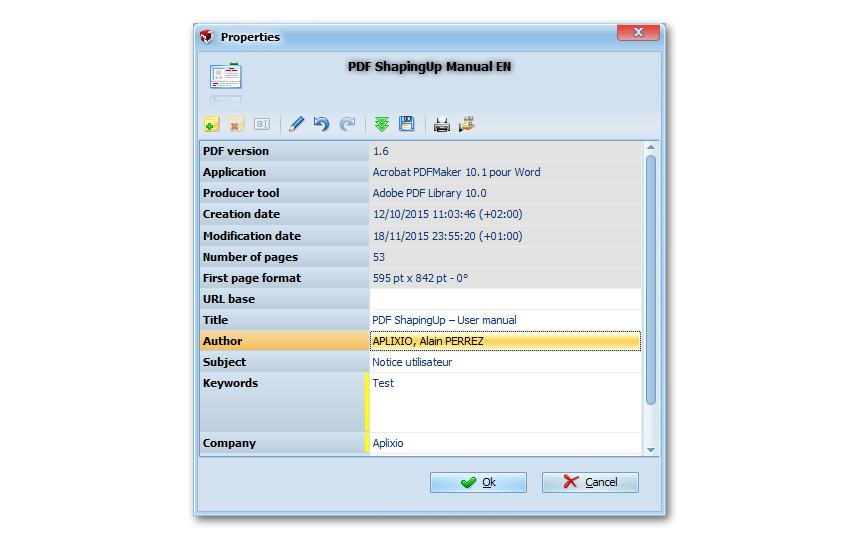
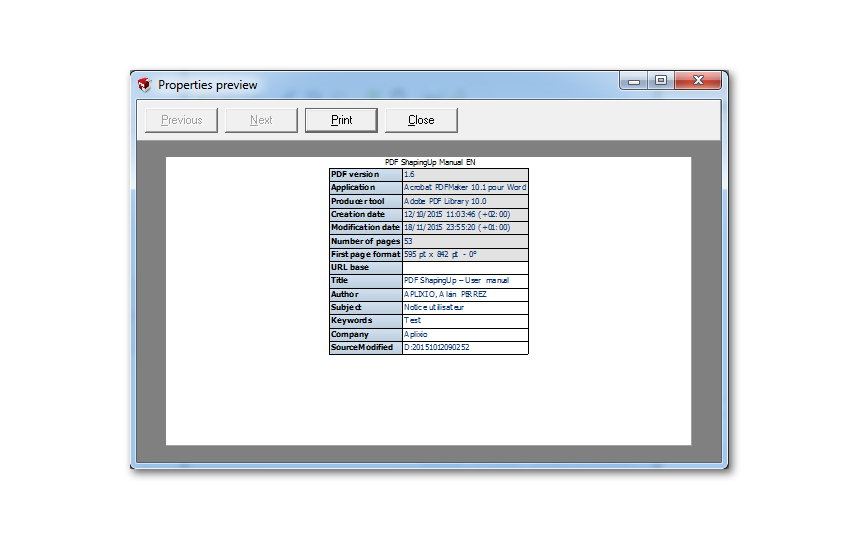
Read & Write standard properties (dates, title, author, subject…), Add & Remove custom properties, Print & Export properties (doc, html, txt, xls, xml…).
![PDF editor [PDF ShapingUp Display pref, Interface]](http://www.aplixio.com/wp-content/uploads/2015/11/PDF-ShapingUp-Display-pref-Interface--300x214.png)
[PDF] Display Preferences
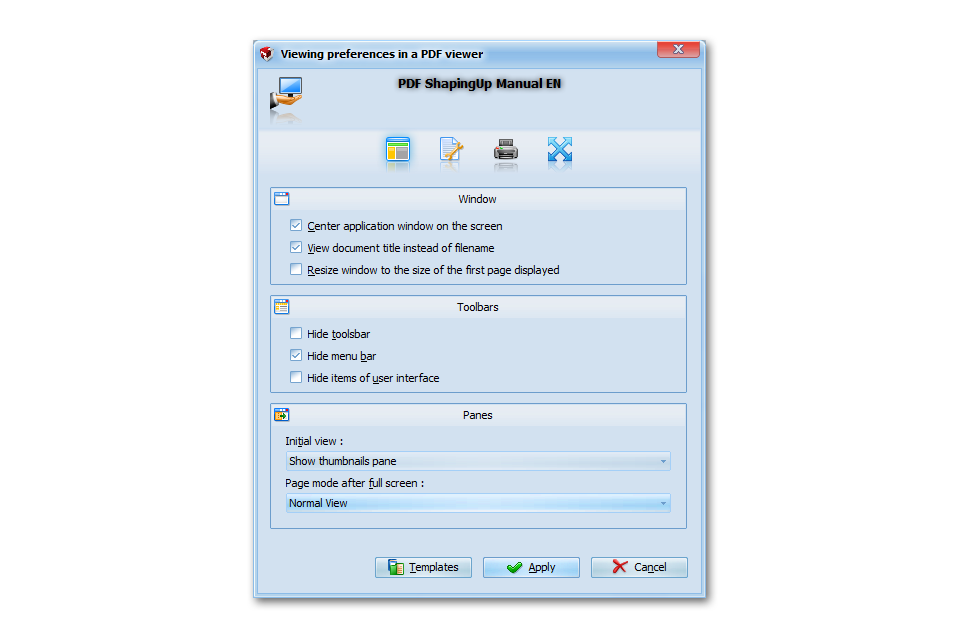
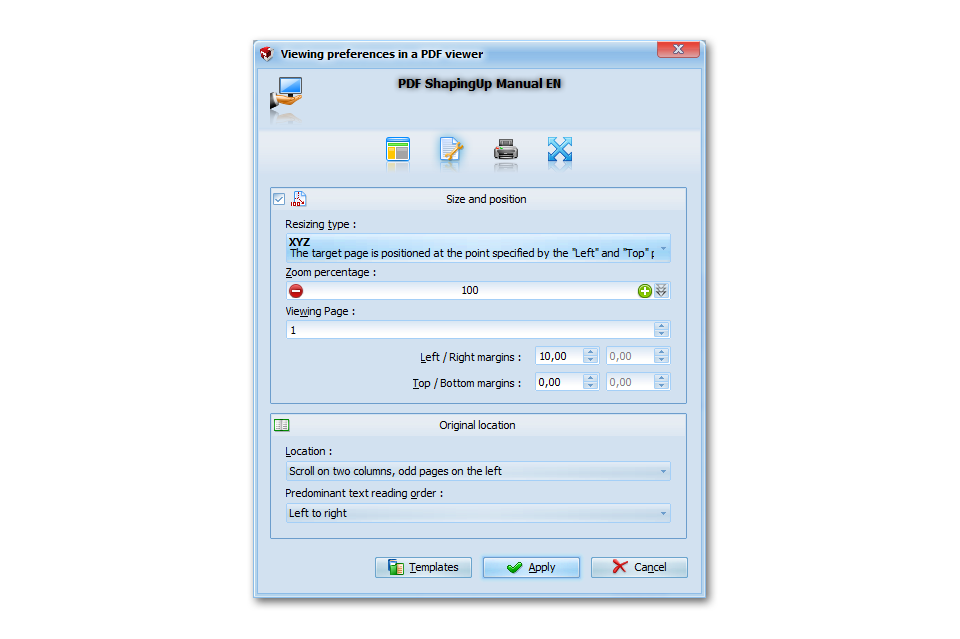
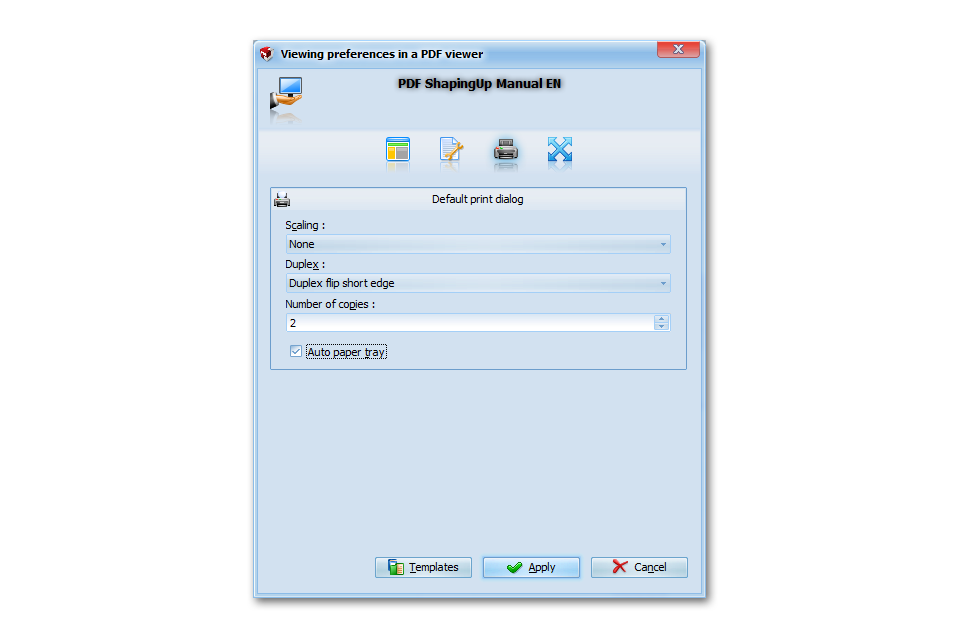
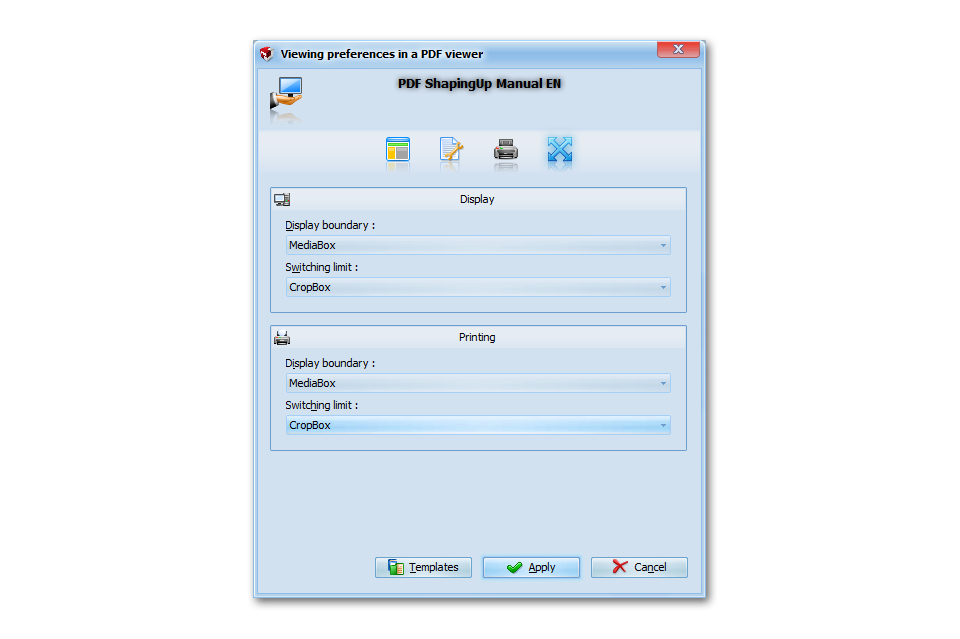
Set the environment that a PDF viewer may implement at the opening of a document. You can specify the initial configuration of application interface, document layout and printing options.
![PDF editor [PDF ShapingUp Project]](http://www.aplixio.com/wp-content/uploads/2015/11/PDF-ShapingUp-Project--300x214.png)
[PDF] Project
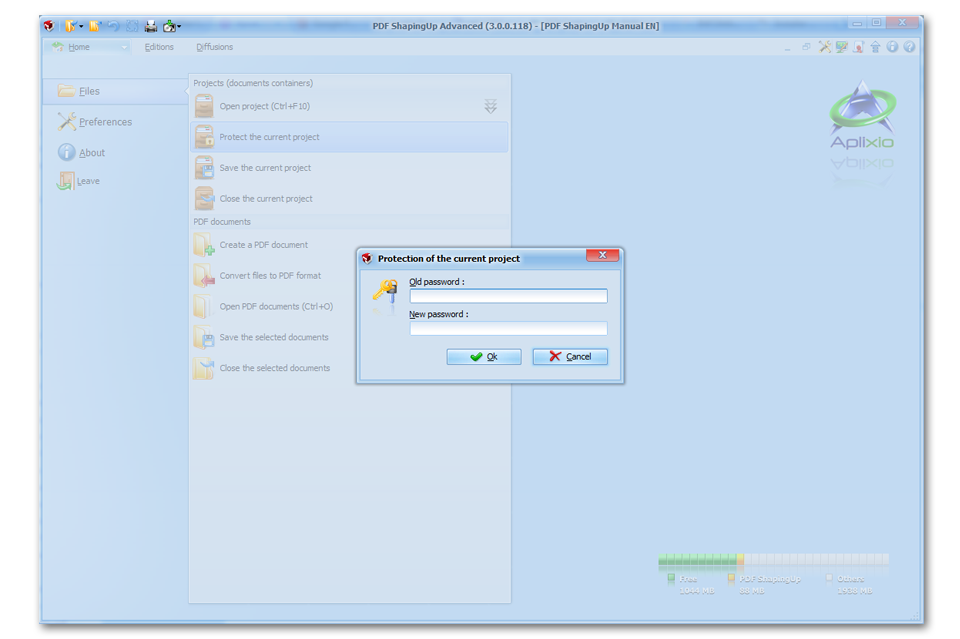
PDF ShapingUp integrates a complete projects management. A project acts as a container of PDF files and can be used to Compress & Secure documents in a single file, Store & Index documents…
![PDF editor [PDF ShapingUp Templates]](http://www.aplixio.com/wp-content/uploads/2015/11/PDF-ShapingUp-Templates--300x214.png)
[PDF] Templates
Many of your custom settings can be saved in templates files. These templates allow you to re-apply easily and quickly your settings on another documents.
PDF ShapingUp Is Greatly Appreciated, Here Is The Proof …
The program includes in it all the features necessary for handling and processing the PDF files in efficient and user friendly manner and has the facility for modifying files in batch mode like merging, splitting, creating and inserting other editing tools. PDF ShapingUp definitely works easily as a PDF editor and document manager owing to its user friendly features and its suitable working and functionalities. This utility certainly can be aptly utilized in official premises.
It allows editing any PDF file and even more PDFs at the same time. Besides that, a large number of operations can be performed with a PDF file, like cropping, rotating, annotating and so on. Furthermore, PDF files can be exported to a wide range of graphical formats, like JPEG, BMP, PNG and GIF. PDF ShapingUp allows you to edit any PDF file, using various tools, in the easiest and quickest way possible.
The vast variability of tools that will be accompanying you along your paper work or homework in a single software, makes PDF ShapingUp inexpensive to the user since doesn’t have to buy one tool at the time. All in one!
The ingenious PDF shapingUp, will help you edit your PDF files in single interface, and it doesn’t require the installation of the Adobe Acrobat products.
Everything you can think. That is precisely what you can do with any PDF document if you use PDF ShapingUp. PDF ShapingUp is a complete tool that offers endless possibilities when working with PDF. All functions are at your fingertips in an intuitive and enjoyable interface. If you are looking for a program that does it all for your PDF, PDF ShapingUp is a perfect choice.
Le plus complet et le plus simple que j’ai trouvé. Bien que l’interface soit un peu déroutante de prime abord on s’habitue. L’auteur suit son logiciel et est très réactif. Après plus d’un an d’utilisation, je ne regrette pas ma contribution.
When you want to make the most of all the perks of PDF format, you need to find a specialized app, such as PDF ShapingUp. All in all, PDF ShapingUp is a powerful solution that can meet the requirements of all types of users, no matter their skill level.















PDF ShapingUp’s Pricing Tables For Your Business
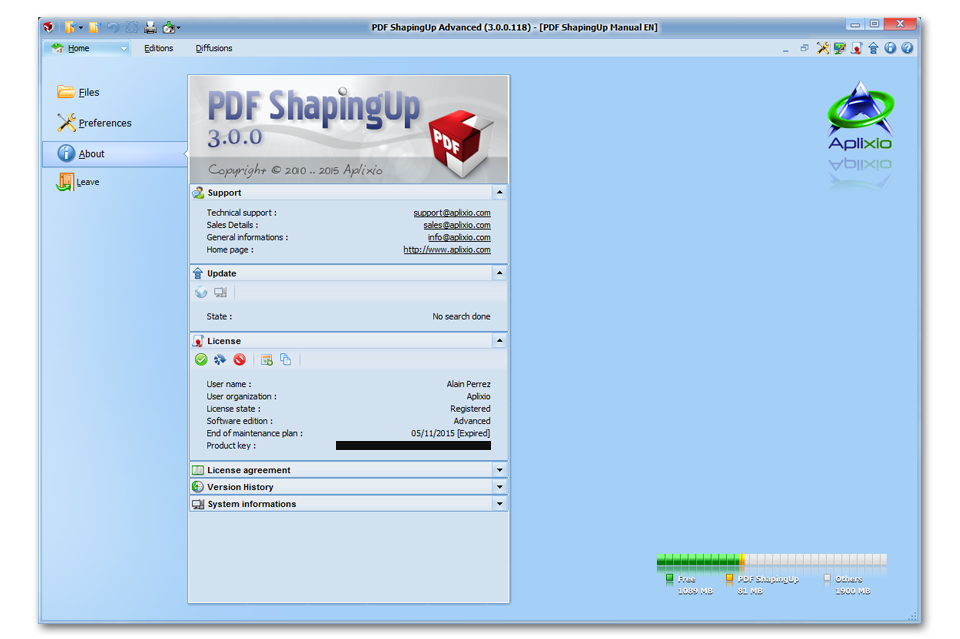
You can purchase one or more licenses & maintenance plans of PDF ShapingUp Standard or Advanced and enjoy degressive pricing for volume purchase + additional discount by combining « Silver » (1 year) or « Gold » (2 years) plans. Your license(s) will be e-mailed to you immediately after your order is processed.
FREE
- Online & Offline Updates
- Full Projects Features
- Full Viewer Features
- Save As, Save & Print Documents
- Multi-Level Undo & Redo Changes
- Convert To & From PDF
- Extract Texts, FormFields & Fonts
- Fill-In & Initialize Form Fields
- Comment Annotations
- Normalize & Rotate Pages
- Texts Search (Variable Scope)
- Set Standard & Custom Properties
- Set Viewers Display Preferences
- Replace Embedded By Standard Fonts
- Open Attached Files
STANDARD
- “FREE” Edition Features +
- Merge & Split Documents
- Linearize Documents (Fast Web View)
- Highlight Texts
- Change Pages Order
- Create, Clone, Resize & Remove Pages
- Copy & Move Pages Between Documents
- Move, Scale & Rotate (Deskew) Pages Content
- Set Pages Areas (Cropbox, Bleedbox, …)
- Flatten Interactive Objects
- Add OpenType, TrueType, Postscript & CJK Fonts
- Add, Extract & Remove Attached Files
- Add, Edit, Generate & Remove Bookmarks
- Protect Documents (40, 128, 256-bits encryption)
- Digitally Sign Documents
ADVANCED
- “STANDARD” Edition Features +
- Create Standard & PDF/A Documents
- Objects inspector
- Microsoft® Visio® Like Editor
- Add Texts, Images, Vectors & Bar-codes
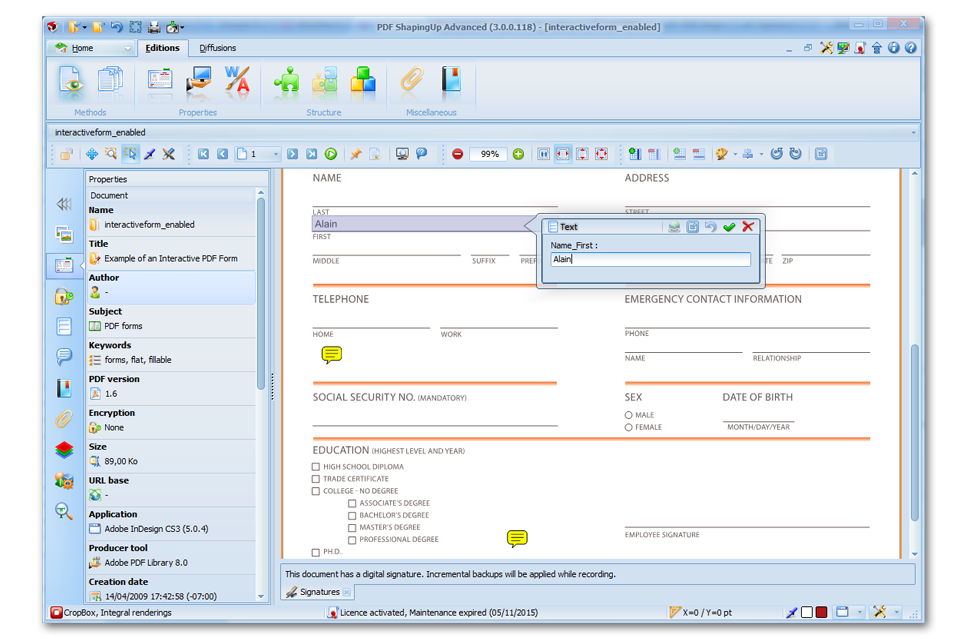
- Add Form fields & Annotations
- Move, Resize & Rotate Objects
- Duplicate, Replace & Remove Objects
- Set Objects Properties
- Justify Form Fields Texts
- Horizontal & Vertical Objects Alignment
- Increase & Reduce Objects Space
- Standardize Objects Size
- Group & Ungroup Objects
- Display Extended Objects Information
Your Purchases Are Securely Processed By FastSpring